


bipbus Real-time bus display
$199.99CAD plus tax
Shipping included in Québec
Only 1 left
Secure payment
- Returns 14 days to change your mind
- Warranty 1 year
- Subscription None
- Networks STM, RTL and exo buses
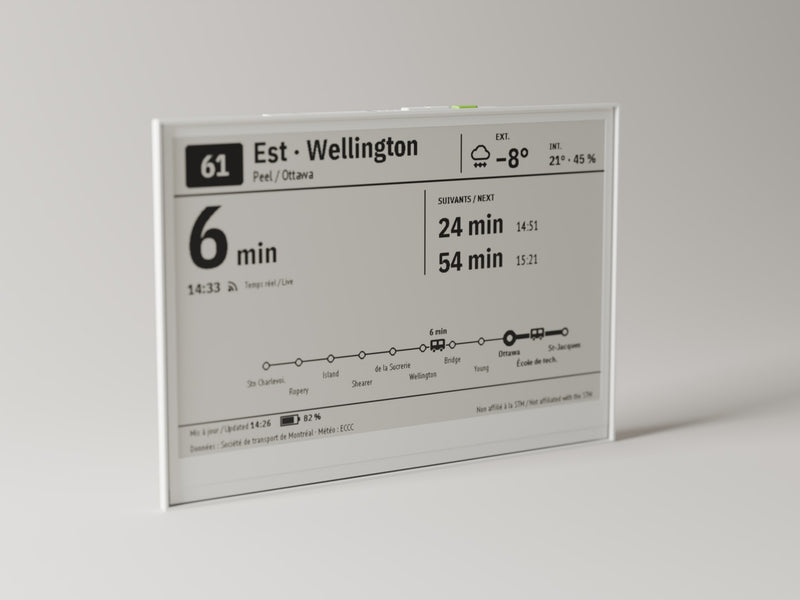
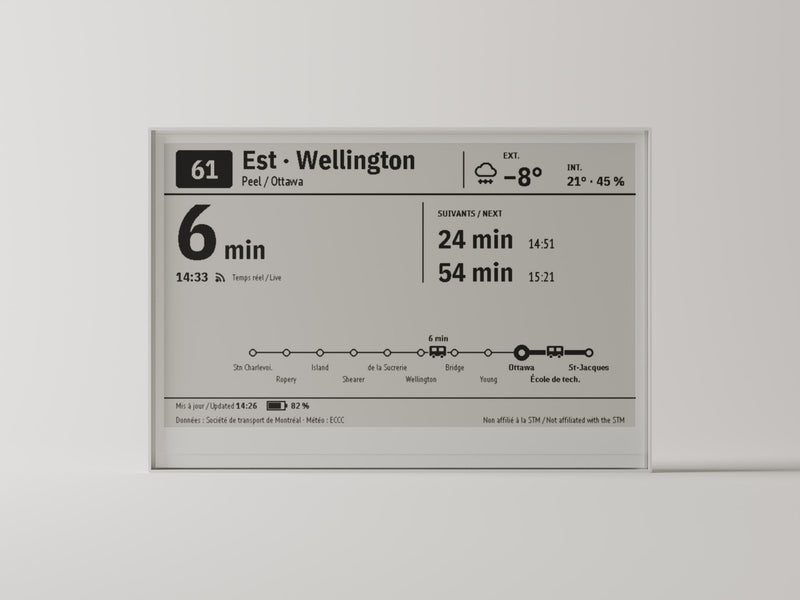
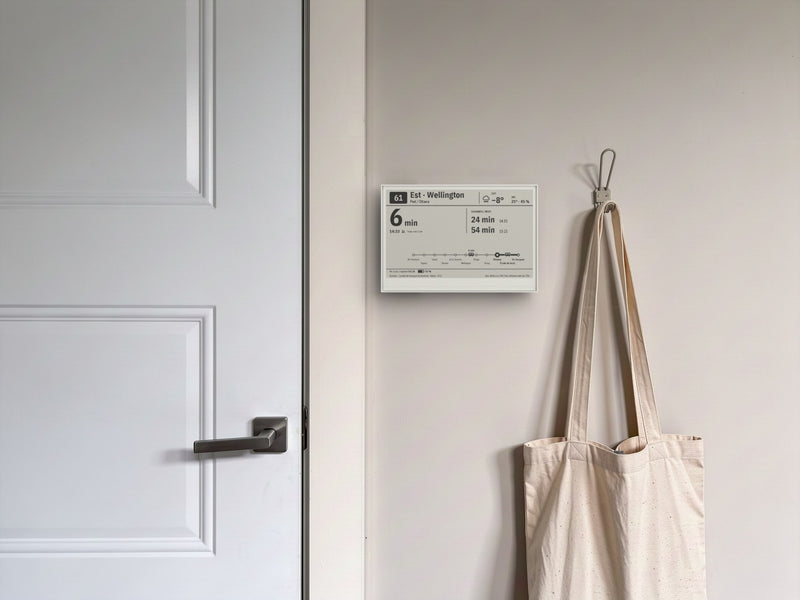
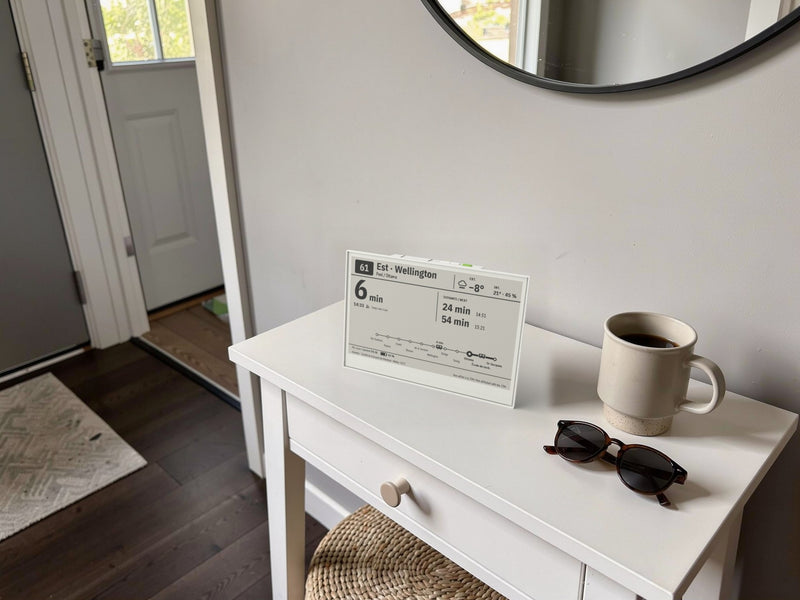
An e-ink display that shows the next buses at your stops (STM, RTL and exo) and the weather outside. No app, no account, no subscription.
Ready in three steps
- Turn it on Slide the switch on the back. The screen welcomes you and shows what's next.
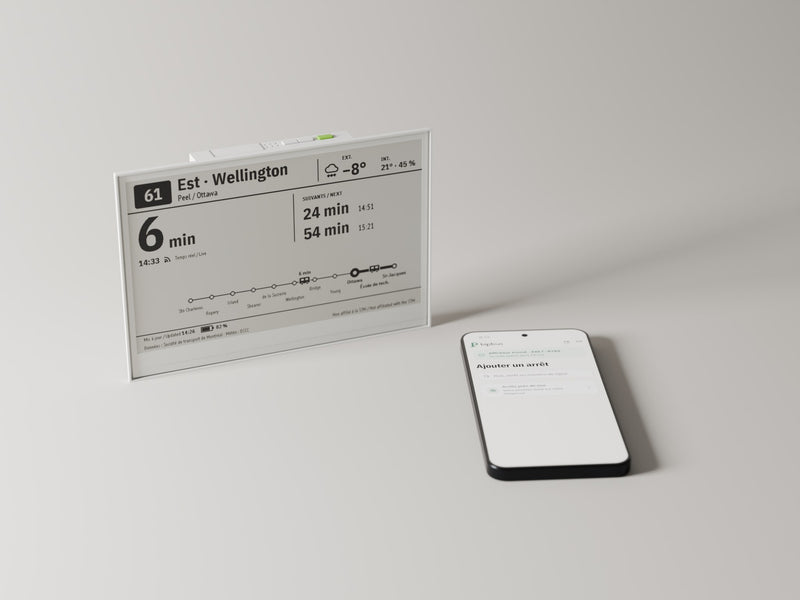
- Give it your Wi‑Fi With your phone, scan the two QR codes on the screen: the bipbus network, then the setup page.
- Pick your stops Scan the new QR code, or go to bipbus.ca and enter the code shown. Find your stops by name, by line or on the map, up to three.
No app and no account.
When it updates
- Commute hours
- Weekdays, 6:30 to 9:30 a.m. and 3:30 to 7 p.m.: every 60 seconds.
- The rest of the time
- Every 30 minutes, to save the battery.
- The green button
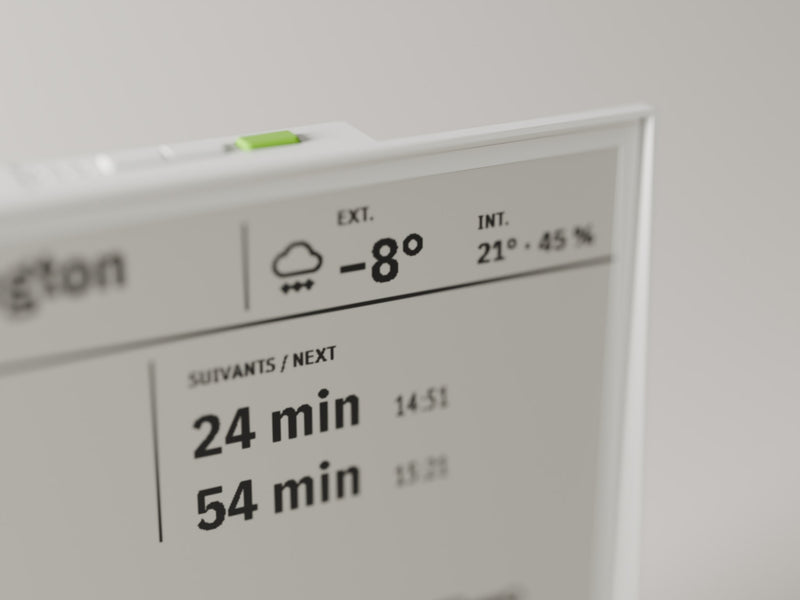
- Any time, it refreshes the screen right away.
On the setup page you can also pick "All day" (more battery), "Custom" (your own weekday hours) or "Only when I press".
Networks
- STM, RTL and exo buses: Montréal, Longueuil, the South Shore and the North Shore.
- Times are real-time when the transit agency publishes the bus's position; otherwise it's the scheduled time, marked with a small clock.
- The métro, exo trains, the REM and STL buses (Laval) are not shown.
Specifications
- Screen
- 7.5", black-and-white e-ink, 800 × 480
- Networks
- STM, RTL and exo buses, Greater Montréal
- Stops
- Up to three, switched with the screen’s buttons
- Battery
- Built-in rechargeable, USB-C cable included. Up to 2 months per charge
- Connection
- 2.4 GHz Wi-Fi
- Setup
- Table stand included, or on the wall by its mounting hole
- Languages
- French, English or both
In the box
- bipbus, with its table stand and screw
- A USB-C cable
- A screw and anchor, to hang it on the wall
- A quick-start card, in French and English
- A warranty card
You'll need
- A 2.4 GHz Wi‑Fi network with Internet access
- A phone, to scan the setup QR codes
Questions
What if the Wi‑Fi goes down?
The screen keeps its last display and shows the time of the last update. It picks up again on its own when the network is back; your settings stay in place.
Can I change my stops later?
Yes, any time, on bipbus.ca. Then press the green button to see the change right away.
Can it tell me when to leave?
Yes, if you want. For each stop, choose how many minutes before the bus it should sound: bipbus then plays a short chime. The alert is off to start with.
Where should I put it?
Where you pass before heading out: on the hall table with its stand, or on the wall by the door, with the screw and anchor included. E-ink reads from a distance and from the side, like paper.